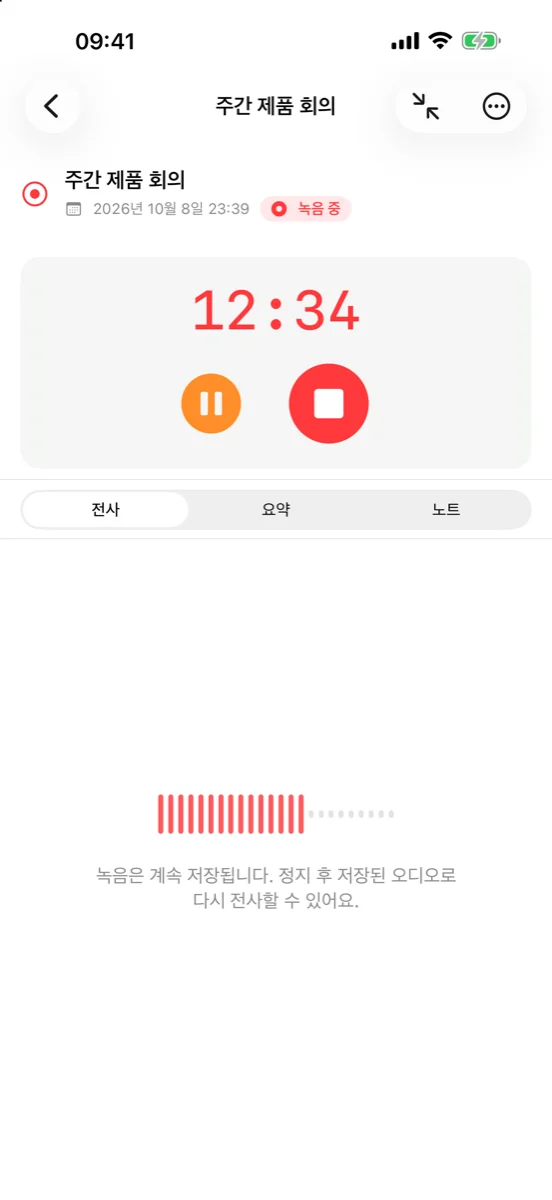
Record with a single tap
Transcribed right on your device
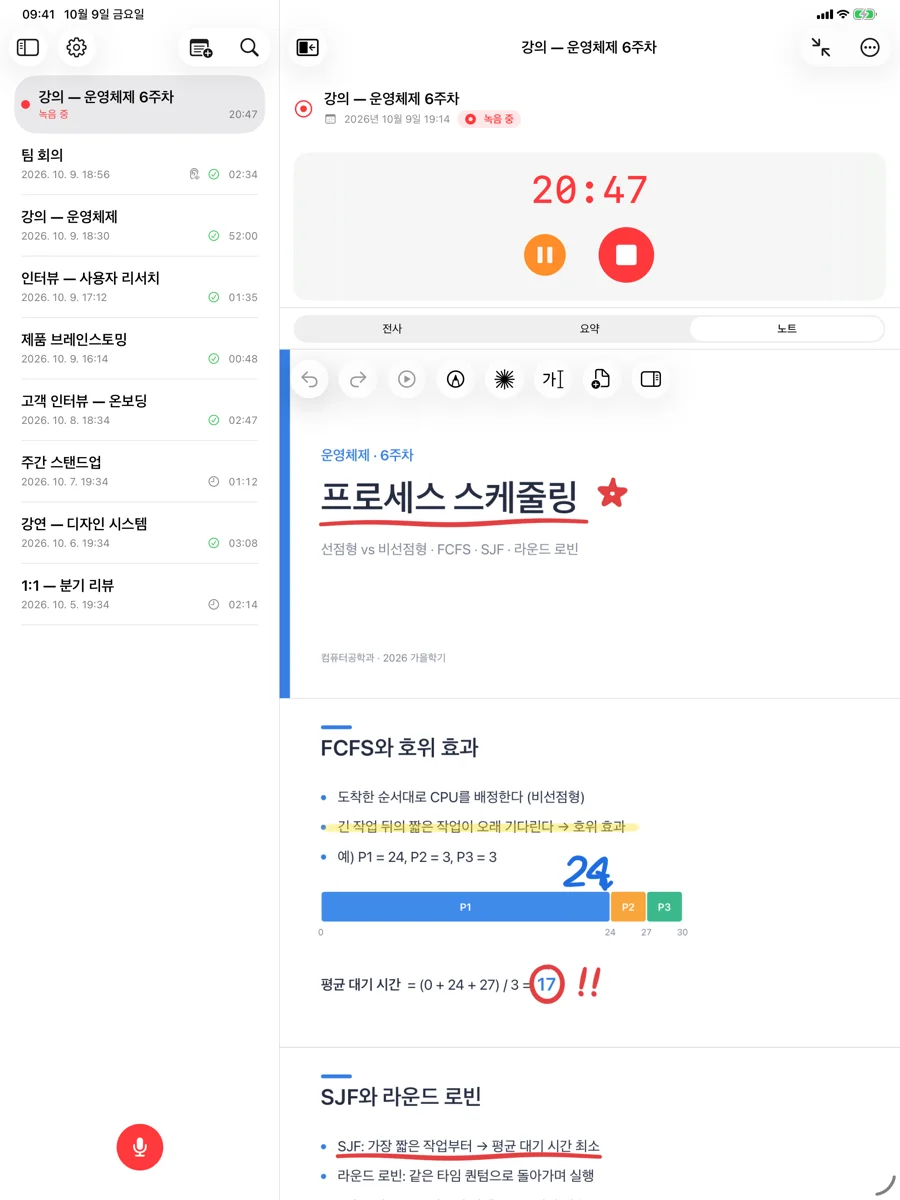
Write on slides, alongside your recording
AI summaries bring the essentials together
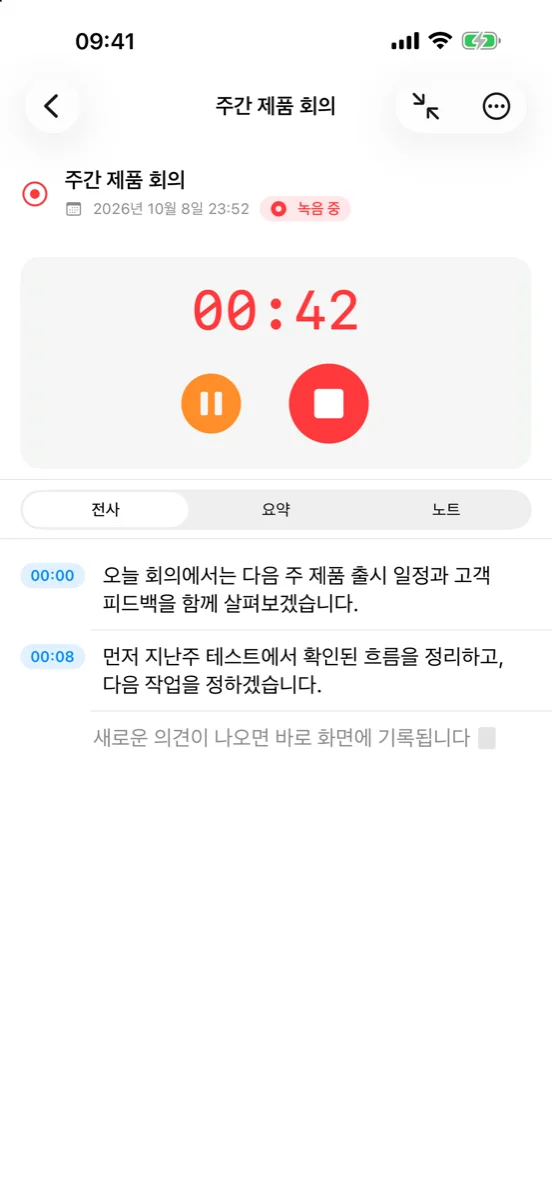
Transcribed right on your device
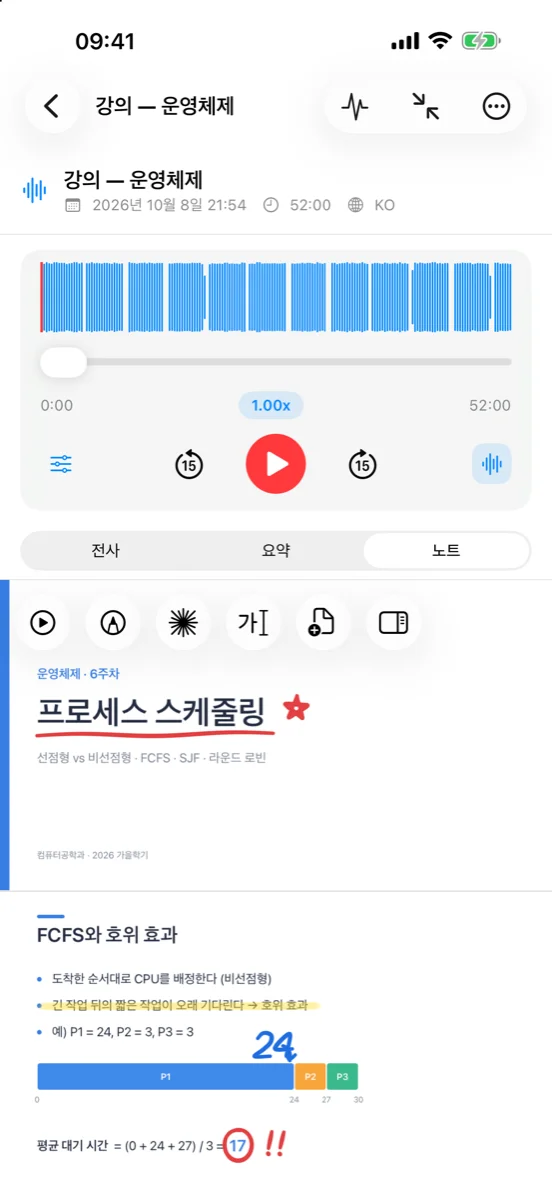
Replay right from where you wrote
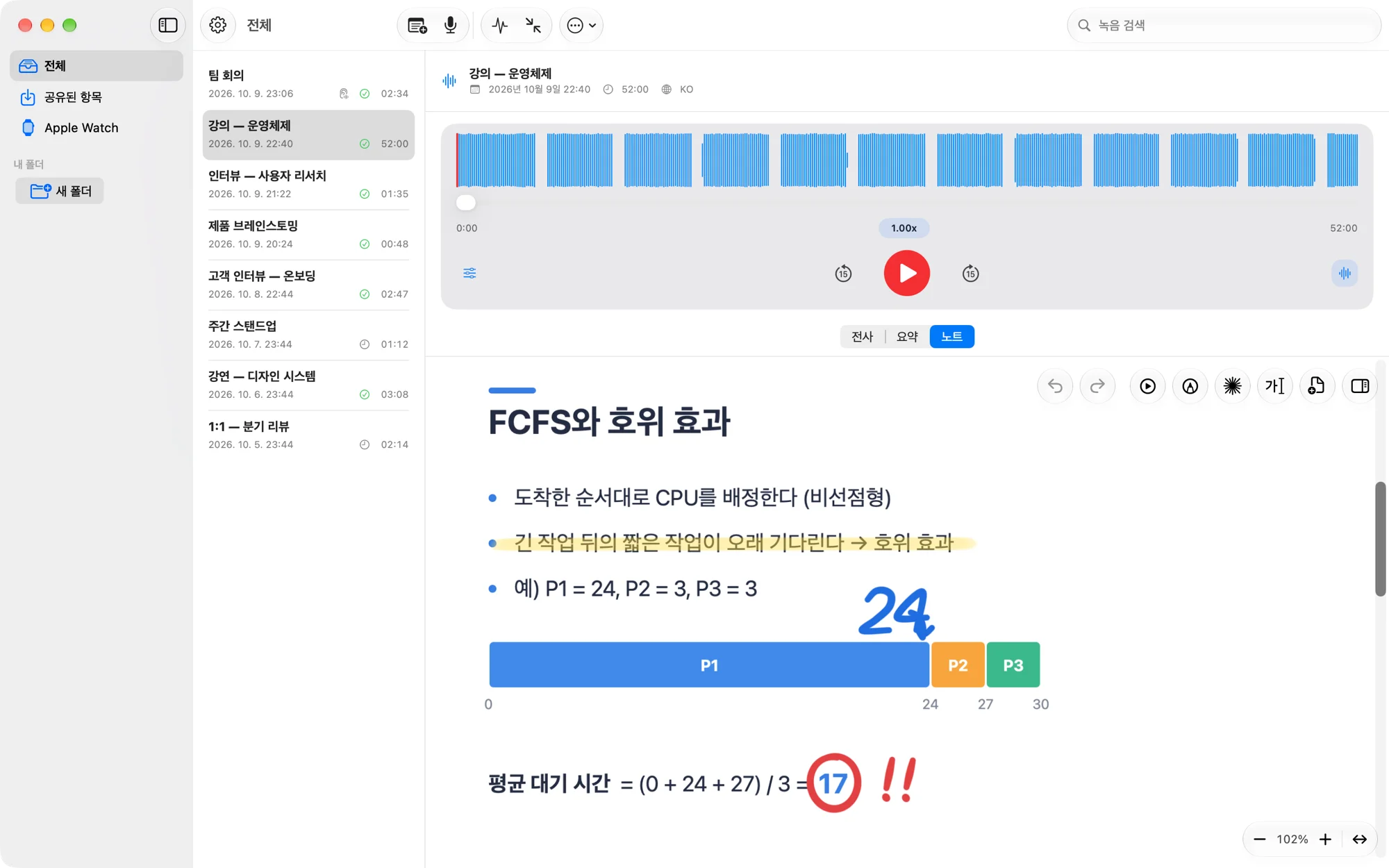
Replay right from where you wrote
A few strokes turn lectures into your notes
Underline and jot down ideas with Apple Pencil. Each stroke stays linked to that moment in your recording.
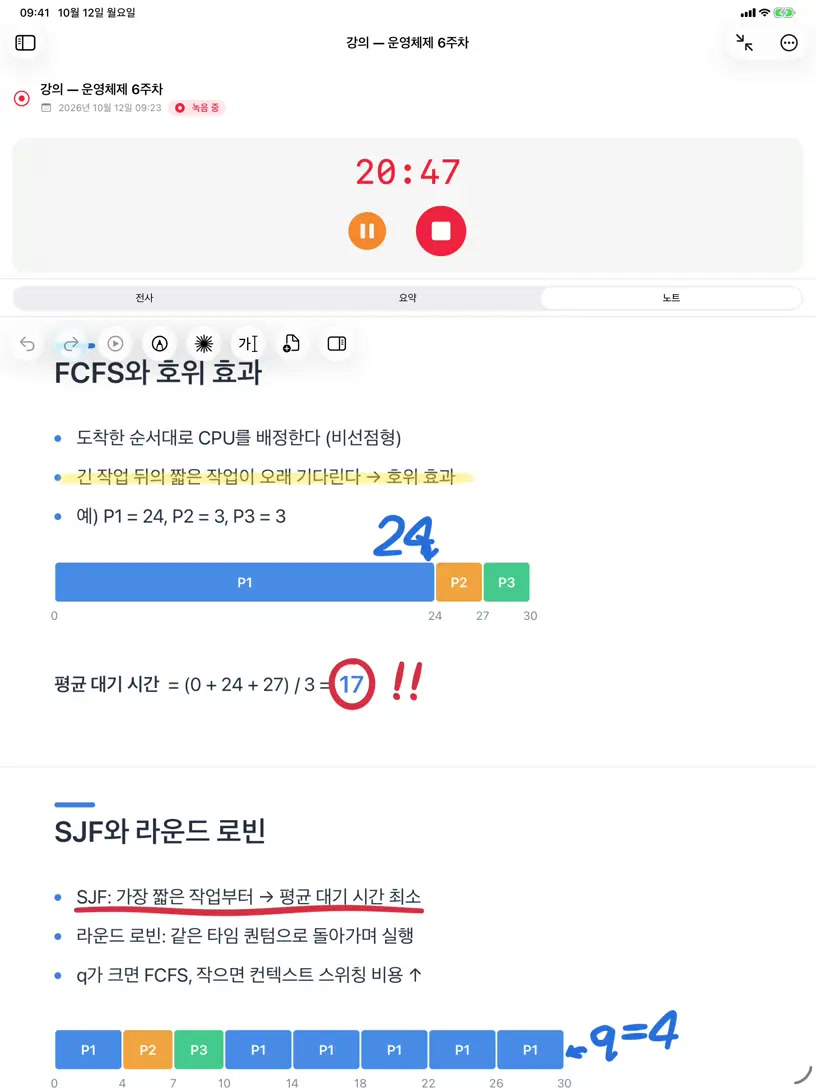
A few strokes turn lectures into your notes
Underline and jot down ideas with Apple Pencil. Each stroke stays linked to that moment in your recording.
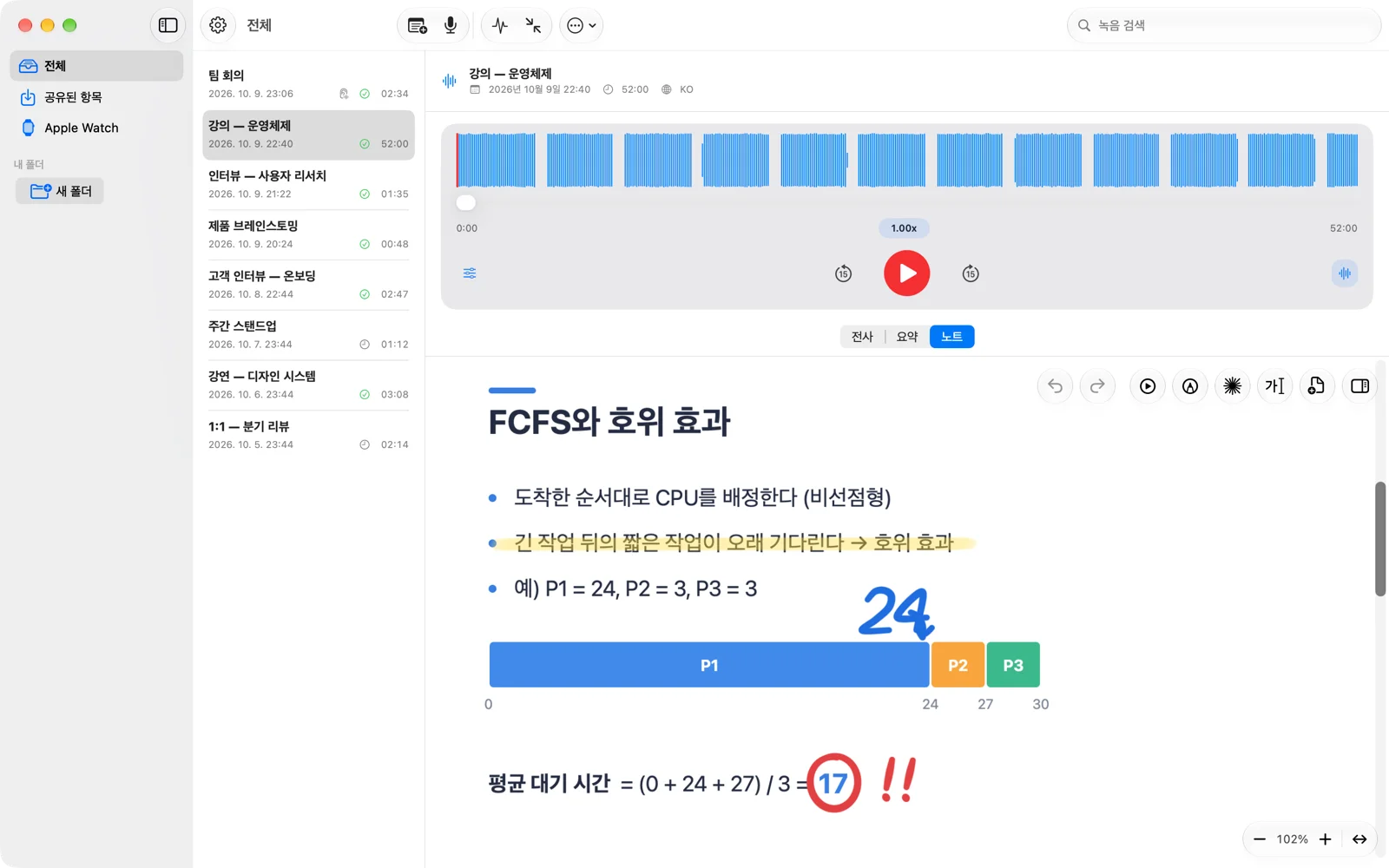
Record on iPhone, iPad, Mac, or Apple Watch — it flows into transcripts, notes, and summaries.

Recording, transcription, and handwriting always stay on-device. For summaries, pick your engine — Private Cloud Compute, Apple Intelligence, on-device Gemma, or a local network server.
Drop in PDF, PPT, or PPTX documents — or bring them over from another app's share sheet — and write with Pencil or a mouse. Handwriting is searchable too, and you can replay right from where you wrote.
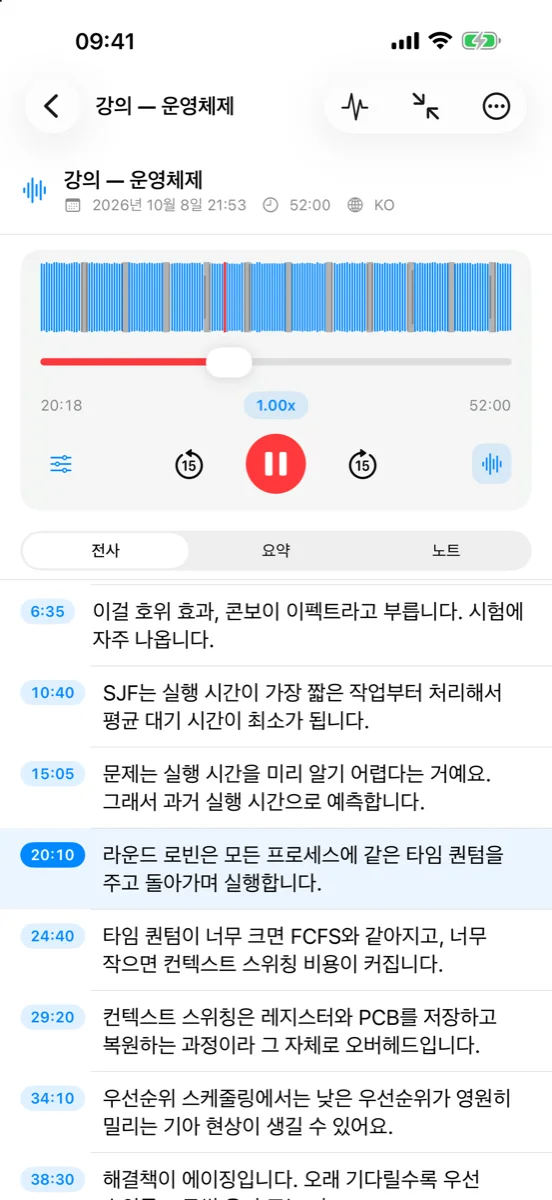
Speech lands on screen while you record. It keeps up entirely on-device, even when languages mix.
Builds multiple-choice and flashcard questions from your notes so you can review right away.
Distills the essentials by mode — meetings, lectures, interviews, and more. Choose the summary engine yourself, from Private Cloud Compute to on-device Gemma.
Automatically skips long silences and applause at up to 3x speed. Skipped regions are marked on the waveform.
Keep recording onto an existing take — trim or revert each appended part on its own.
Syncs recordings, transcripts, and notes securely to your own iCloud account in Nogmi's encrypted file format.
iPhone, iPad, Mac, Apple Watch, and home screen widgets. On Mac, start dictation instantly with a keyboard shortcut.